TrafficClaw vs QuickSEO
A QuickSEO alternative with GA4 and Search Console
QuickSEO shows Search Console for all your sites. TrafficClaw adds Google Analytics 4 next to it, plus dashboards and a free AI connector.
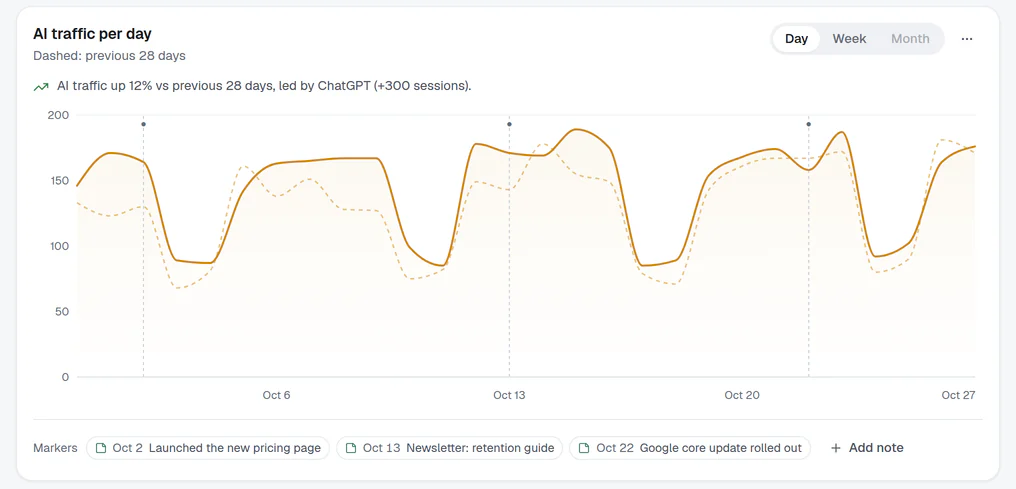
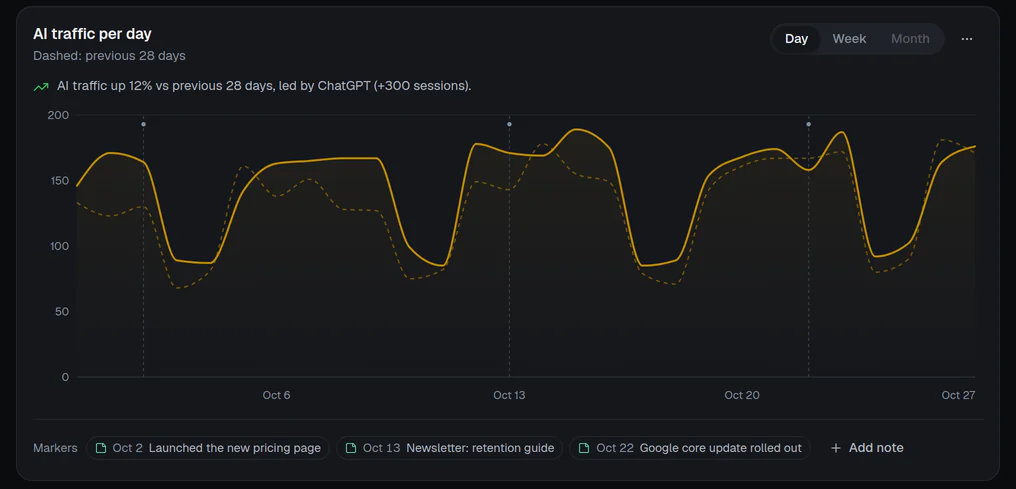
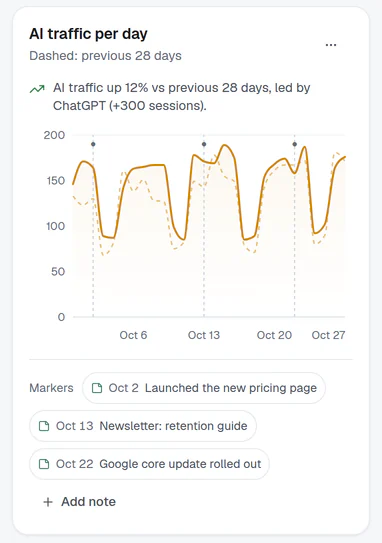
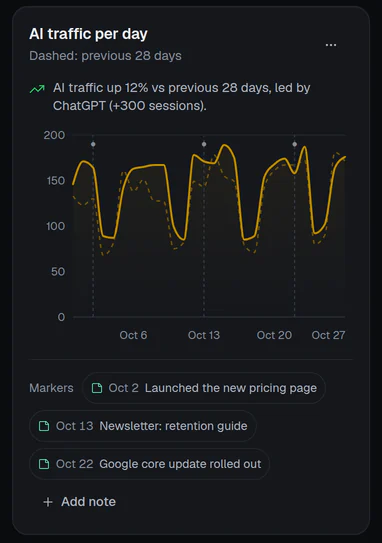
What changes if you switch
- 1
GA4 next to Search Console
See what visitors do after the click, on the same screen as the queries that brought them.
- 2
Dashboards you can share
A builder with 24 templates, read-only public links and iframe embeds.
- 3
AI connector, free
QuickSEO lists MCP access on its paid Lite plan. TrafficClaw's connector is free.
Side by side
TrafficClaw and QuickSEO
QuickSEO facts are from its own site and docs, checked on 28 October 2026.
| Feature | TrafficClaw | QuickSEO |
|---|---|---|
| Price | Free | Free plan; Lite $39/month with a 14-day trial |
| Number of sites | No limit | Unlimited on the free plan |
| Search Console dashboard for all sites | ||
| Google Analytics 4 | Side by side with Search Console | Not mentioned on their site |
| Opportunities / what to fix next | Every opportunity on every site needs Lite | |
| Dashboard builder, share links, embeds | Not mentioned on their site | |
| Claude and ChatGPT connector (MCP) | Free | Lite plan only |
| Index monitor (URL Inspection over time) | URL Inspection through the AI connector only | Lite plan |
| Page groups | Lite plan |
Honest take
Where each one wins
Where QuickSEO wins
- Index monitoringIt watches indexing with Google's URL Inspection over time. TrafficClaw can inspect a URL through the AI connector but has no monitor.
- Page groupsTrack sections of a site by URL pattern. TrafficClaw has no page groups.
- A focused Search Console toolIf Search Console is all you need, its free plan covers every site and it is simple.
Where TrafficClaw wins
- Analytics and Search togetherSessions, key events and channels next to clicks and queries, on one page per site.
- Dashboards and embedsBuild, share and embed read-only dashboards, or export a PDF.
- AI connector at no costUse Claude or ChatGPT on all your sites without a paid plan.
Pick QuickSEO if
- You only care about Search Console.
- You want an index monitor or page groups.
Pick TrafficClaw if
- You also want GA4 for every site.
- You want shareable dashboards.
- You want the AI connector without a paid plan.
Questions
Does QuickSEO include Google Analytics?
Is TrafficClaw free like QuickSEO's free plan?
Which is better for MCP and AI assistants?
Can I use both?
Sources, checked 28 October 2026: QuickSEO: home, QuickSEO: pricing. Prices and features change; check the vendor before you buy. TrafficClaw is not affiliated with QuickSEO.
Also compare: Looker Studio, SEOgets.
Try TrafficClaw on your own sites.
Connect Google once. Read-only, nothing to install, no card, no site limit.