TrafficClaw vs Looker Studio
A Looker Studio alternative for GA4 and Search Console
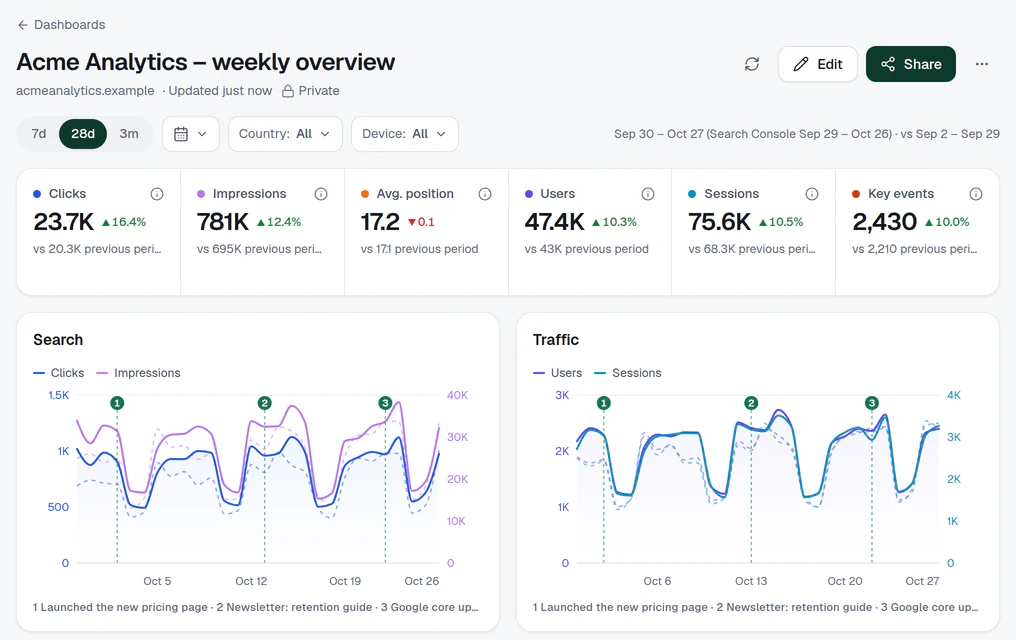
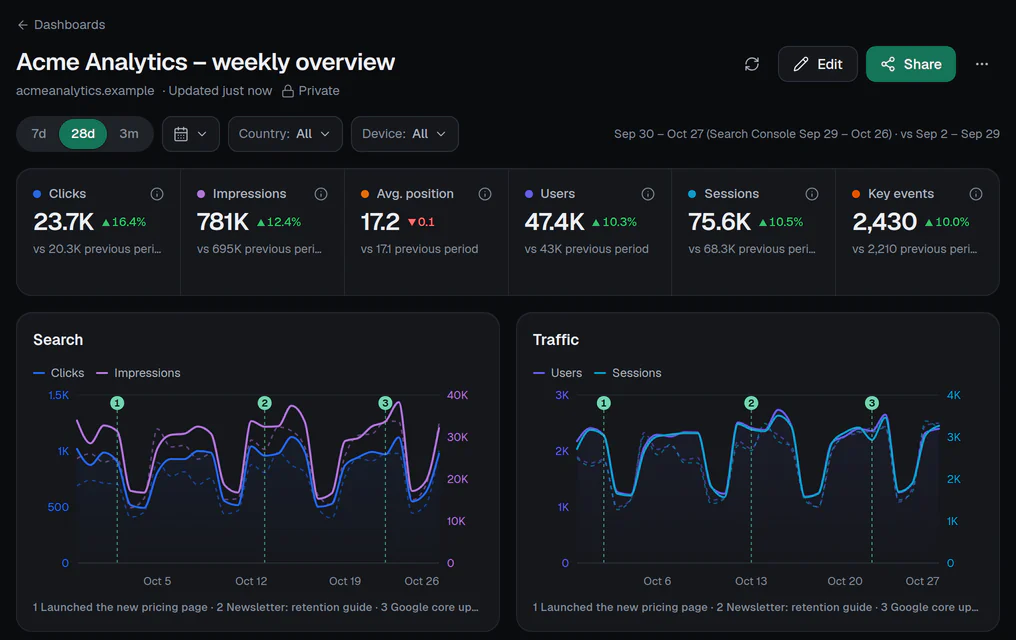
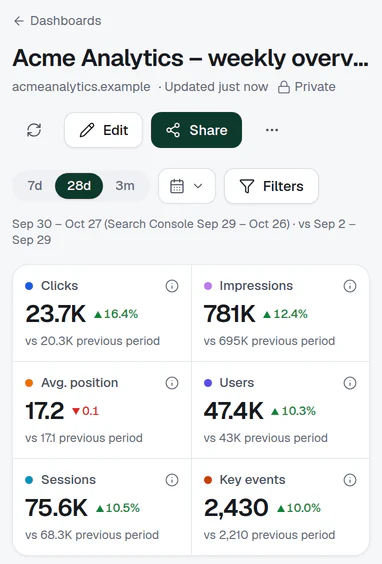
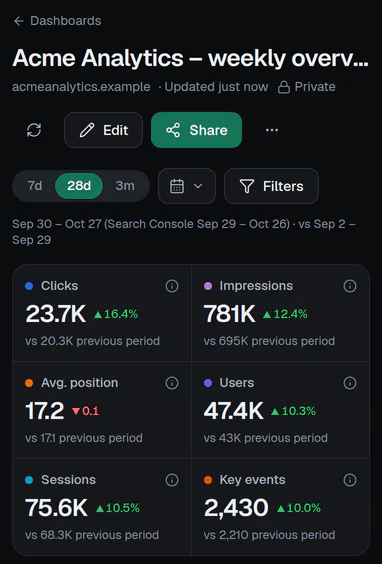
Looker Studio gives you a blank canvas. TrafficClaw starts finished: connect Google once and every site is already there, Analytics and Search Console side by side.
What changes if you switch
- 1
Nothing to wire
Sign in with Google. Every GA4 property and Search Console site you can see is paired by website, with no data source to add per site.
- 2
Same shareable output
The dashboard builder has 24 templates, read-only public links with a password or end date, iframe embeds, PDF and CSV export.
- 3
Ask it in Claude or ChatGPT
A free connector lets your AI assistant read the same numbers, read-only.
Side by side
TrafficClaw and Looker Studio
Looker Studio facts are from its own site and docs, checked on 28 October 2026.
| Feature | TrafficClaw | Looker Studio |
|---|---|---|
| Price | Free, no site limit | Free (the Pro tier is paid, per user) |
| First useful screen | Immediately: sign in and it is built | You connect each data source and build the report |
| GA4 and Search Console together | Side by side per site, paired by website | Separate connectors, which you combine yourself |
| All your sites in one view | Portfolio, built automatically | You build it |
| Ranked list of what to fix next | ||
| Other data sources (Google Ads, BigQuery, …) | GA4 and Search Console only | Many connectors |
| Layout freedom and calculated fields | Templates and 11 widget types | Full canvas |
| Scheduled email delivery of reports | Weekly digest only, not tied to dashboards | Yes (Pro raises the limits) |
Honest take
Where each one wins
Where Looker Studio wins
- Any data sourceGoogle Ads, BigQuery, spreadsheets and many more. TrafficClaw reads GA4 and Search Console only.
- Total layout freedomCalculated fields, custom charts and a free-form canvas. Our builder is deliberately smaller.
- Scheduled report emailsLooker Studio can email a report on a schedule. TrafficClaw does not do this for dashboards yet.
Where TrafficClaw wins
- Starts finishedNo connectors to add per site, no report to rebuild when you launch a new one.
- A portfolio, not a pageAll sites ranked and compared on one screen, with what changed and what to fix next.
- Built for AI assistantsThe same numbers, read-only, inside Claude and ChatGPT.
Pick Looker Studio if
- You need data from more than GA4 and Search Console.
- You want full control of layout, calculated fields and branding in every chart.
- Your team already lives in Google Cloud.
Pick TrafficClaw if
- You look after several sites and want them all on one screen today.
- You mostly need Analytics and Search Console, read well.
- You want to ask questions in Claude or ChatGPT instead of building charts.
Questions
Is TrafficClaw a Looker Studio replacement?
Can I still build my own dashboards?
Is Looker Studio the same as Data Studio?
Will my numbers match Looker Studio?
Does it cost anything?
Sources, checked 28 October 2026: Google: Connect to Search Console, Google: Connect to Google Analytics, Google: Data Studio Pro subscription. Prices and features change; check the vendor before you buy. TrafficClaw is not affiliated with Looker Studio.
Try TrafficClaw on your own sites.
Connect Google once. Read-only, nothing to install, no card, no site limit.